On-device speech recognition
A voice model on your iPhone does the transcribing. Your speech doesn’t travel.
Whispr is the private voice keyboard for iPhone. Say what’s on your mind in any app, and it’s written out right on your phone.
Free to start · 4,000 words every week · iOS 17 or later
The film
The app
How it works
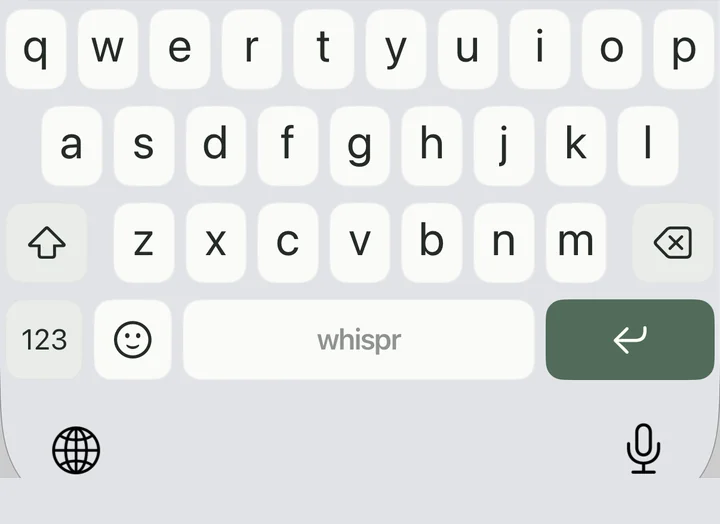
Switch to the Whispr keyboard in Messages, Mail, Notes or any app that allows it.
Say it the way you’d say it. Pause to think — Whispr keeps listening until you tap Done.
Your words land in the text field, transcribed on your iPhone and ready to send.
Are we still on for tonight?
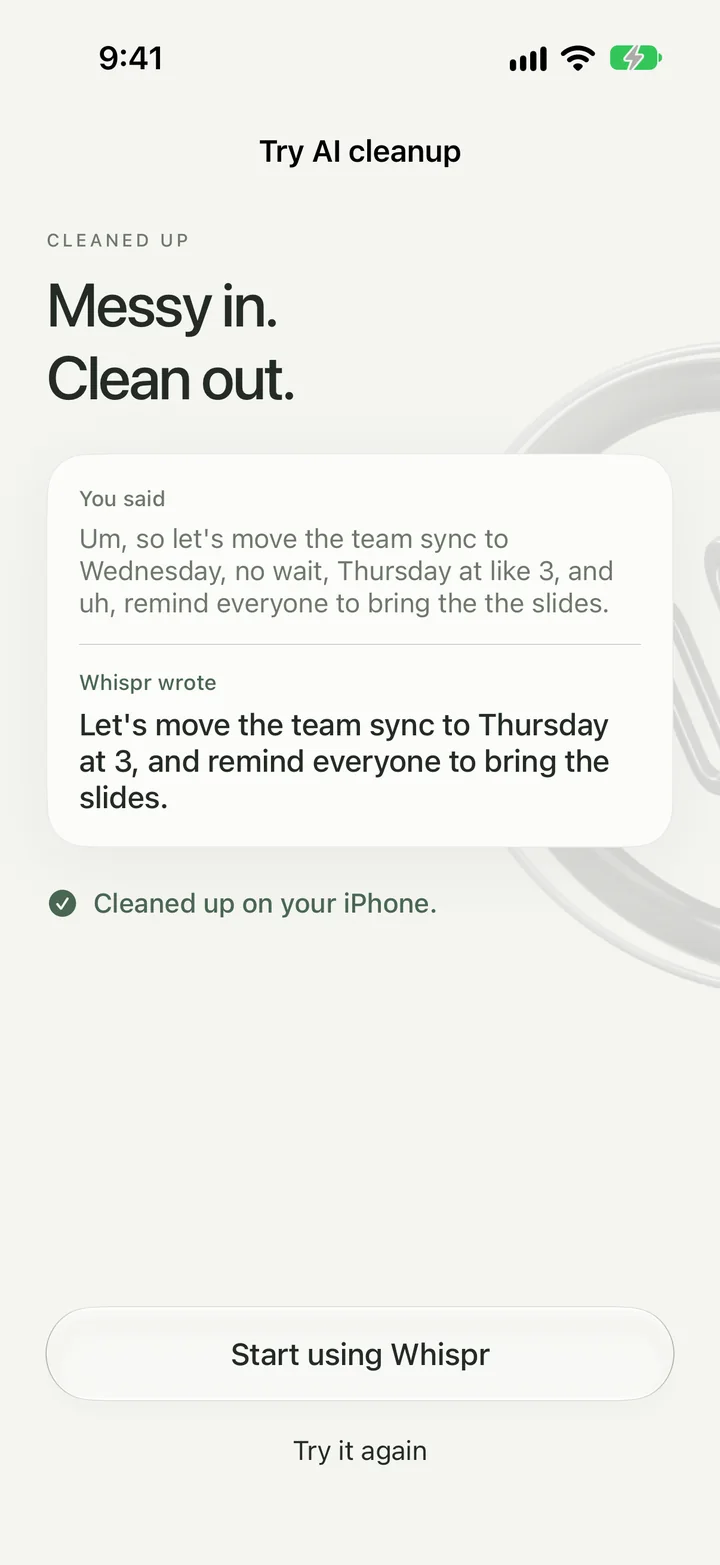
AI cleanup
Ums and false starts disappear. Correct yourself mid-sentence and only your final word stays. Grammar, punctuation and capitalization are fixed for you — all on your iPhone.
For English dictation. Turn it on or off any time.
Privacy, by design
A voice model on your iPhone does the transcribing. Your speech doesn’t travel.
After a one-time model download, dictation needs no connection at all.
No sign-up, no email, no profile. Open it and talk.
That’s Whispr’s App Store privacy label. Keystrokes aren’t logged, either.
iOS requires Full Access for a keyboard to talk to its own app. Whispr uses it so the keyboard can start dictation, show your clips and stay in sync with your settings. Your data stays on your device. Read the privacy policy.
Beyond dictation
Every dictation and everything you copy lives in your library — on your iPhone, ready to paste from the keyboard.
Say “my email” and Whispr writes the whole address. Save the phrases you’d rather not repeat.
A calm weekly view of words, streaks and your peak hour.
A Live Activity shows when Whispr is listening, so you always know.
Choose the voice model that fits you — from focused and precise to the widest language coverage.
Messages, email, notes, chats — anywhere iOS lets you use a third-party keyboard.
Swipe across the letters and lift. The whole word appears, with a soft trail under your finger and other words one tap away.
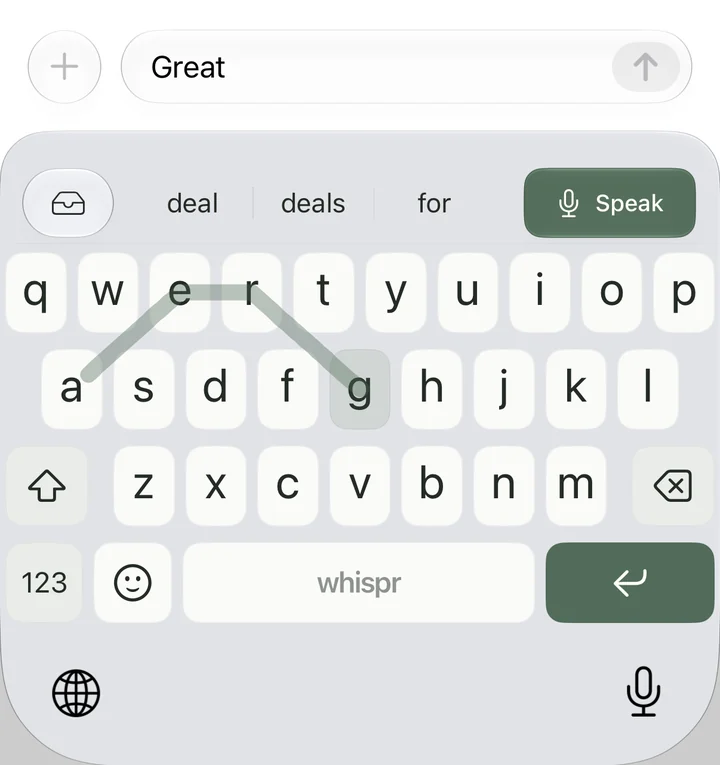
Word suggestions as you type, next-word predictions, and autocorrect when you press space.
Add names, brands and terms so Whispr recognizes them and writes them exactly your way — with an optional “sounds like” spelling. Works for English dictation.
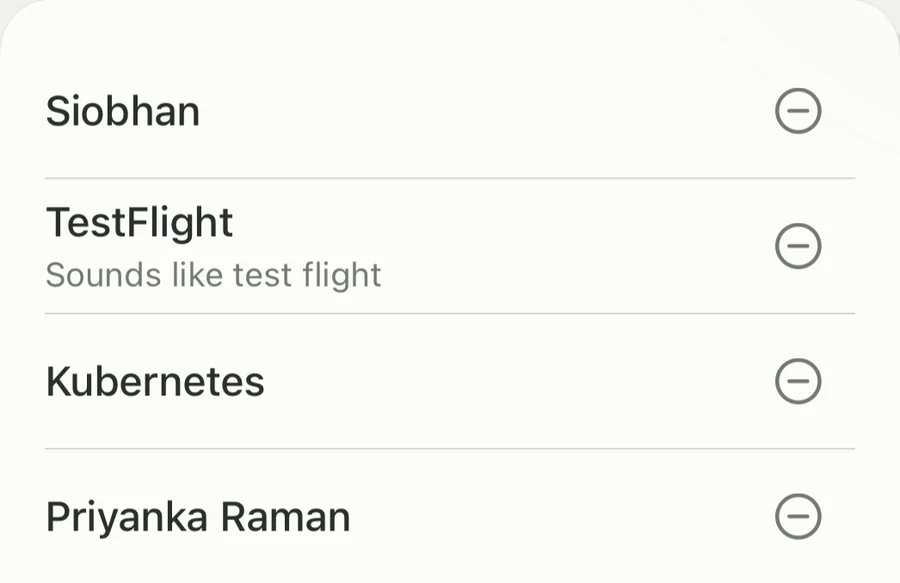
App footage shows sample data.
Always
Never
Pricing
$0
$0.99/month
No subscription
$2.99once
Prices in US dollars. The App Store shows the price for your region. Plans are purchased inside the app.
No. Whispr turns speech into text with a model on your iPhone. The internet is only used to download voice models and for App Store purchases.
Yes. After you download a voice model, dictation runs on your iPhone and works offline, including in Airplane Mode.
iOS requires it for a keyboard to communicate with its app. Whispr uses it for dictation, your clips and settings sync. Keystrokes aren’t logged and your data stays on your device.
Whispr keeps listening while you pause to think and stops when you tap Done. You choose the voice model that fits your languages, and you get clips, voice shortcuts and a library of what you’ve said, right on the keyboard.
In apps that support third-party iPhone keyboards, including messages, email and notes. iOS uses the system keyboard for some fields, such as passwords, and some apps restrict third-party keyboards.
Whispr runs on iPhone with iOS 17 or later. Language support depends on the voice model you choose; the app’s model settings show what’s available on your device.
Whispr is free with 4,000 words every week. Pro removes the limit for $0.99 a month, and Ultra is a one-time $2.99 purchase with lifetime access. Prices can vary by region.
Download Whispr from the App Store. The guided setup helps you pick a voice model, add the keyboard and grant the permissions dictation needs. Then open any app and say your first thought.
The private voice keyboard for iPhone. Free on the App Store.